Tips
 |
Using hyperlinks in the Internet Explorer: |
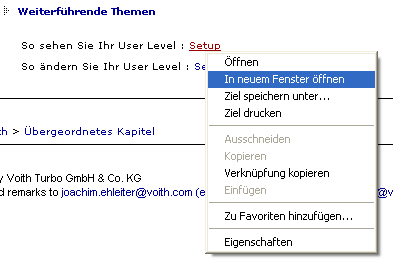
When you move your mouse pointer over a hyperlink and press the right mouse button, a context menu with the option Open in New Window appears. This displays the linked HTML page in a new browser window.
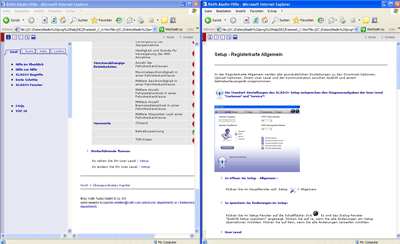
Result:
The page with the link on the left, the new side on the right.
|
|
Setting the text size in the Internet Explorer: |
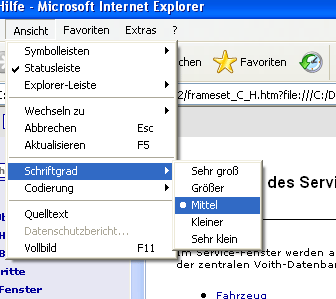
The ALADIN help includes three different text sizes that you can change between using the Zoom button: small -> normal -> large. While the small and normal view sizes are fixed, the large view depends on the standard settings in your browser. You can change them in the Internet Explorer under View > Text size.
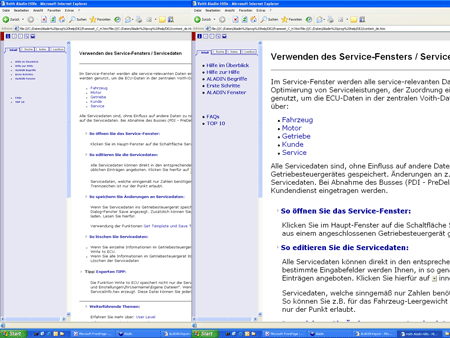
Result:
The smallest view on the left, the largest view on the right.
|
|
Further topics: |
More information on: FAQ
More information on: ALADIN terms
More information on: TOP 10
© by Voith Turbo GmbH & Co. KG
send remarks to joachim.ehleiter@voith.com (electronic department)
or r.theilacker@voith.com (electronic department)