
Service - Actuator test
The Actuator test is used for targeted troubleshooting on a solenoid valve. Through the actuator test, faults can be detected which cannot be assigned to the cause in normal driving operation. Also audible feedback on the mechanical movement of a valve is given.
Valid platforms:
- DIWA.3 via E200
- DIWA.3 via E310
- DIWA.5
- DIWA.6 via KWP
- DIWAhybrid E300.1
How to open the Actuator test:
The Actuator test is accessed via the Service group in the main window. Then select the Actuator test button in the Service menu.
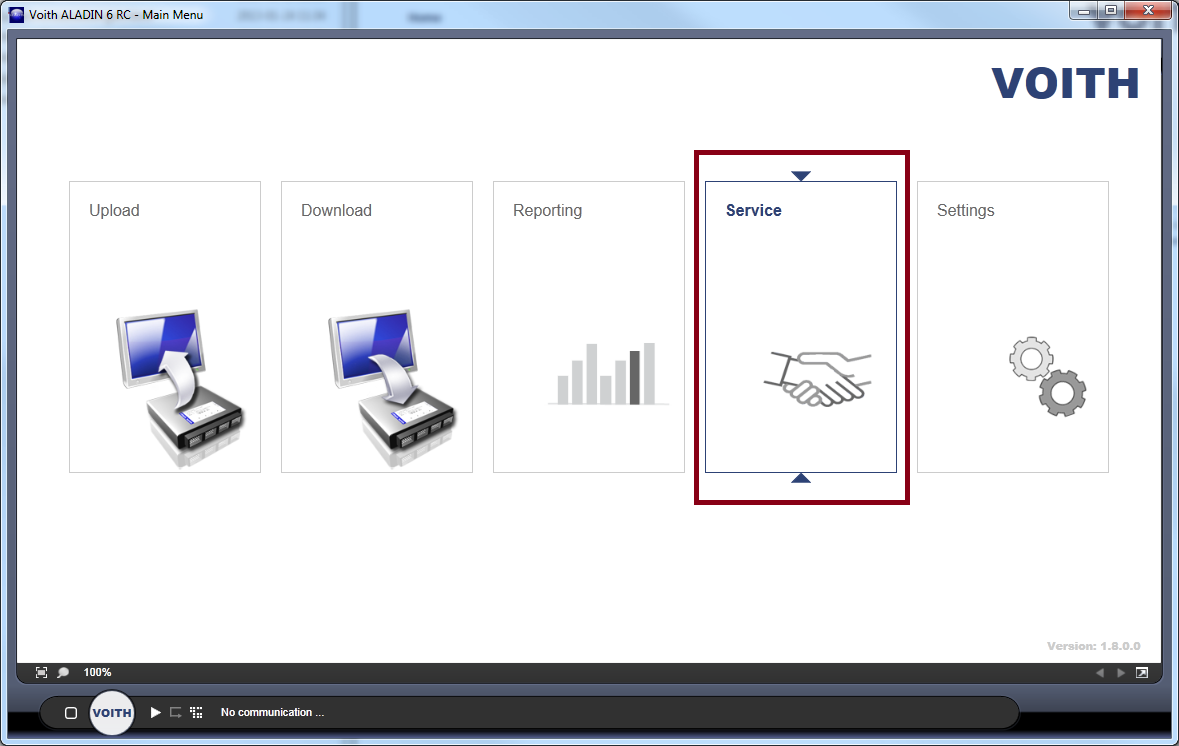
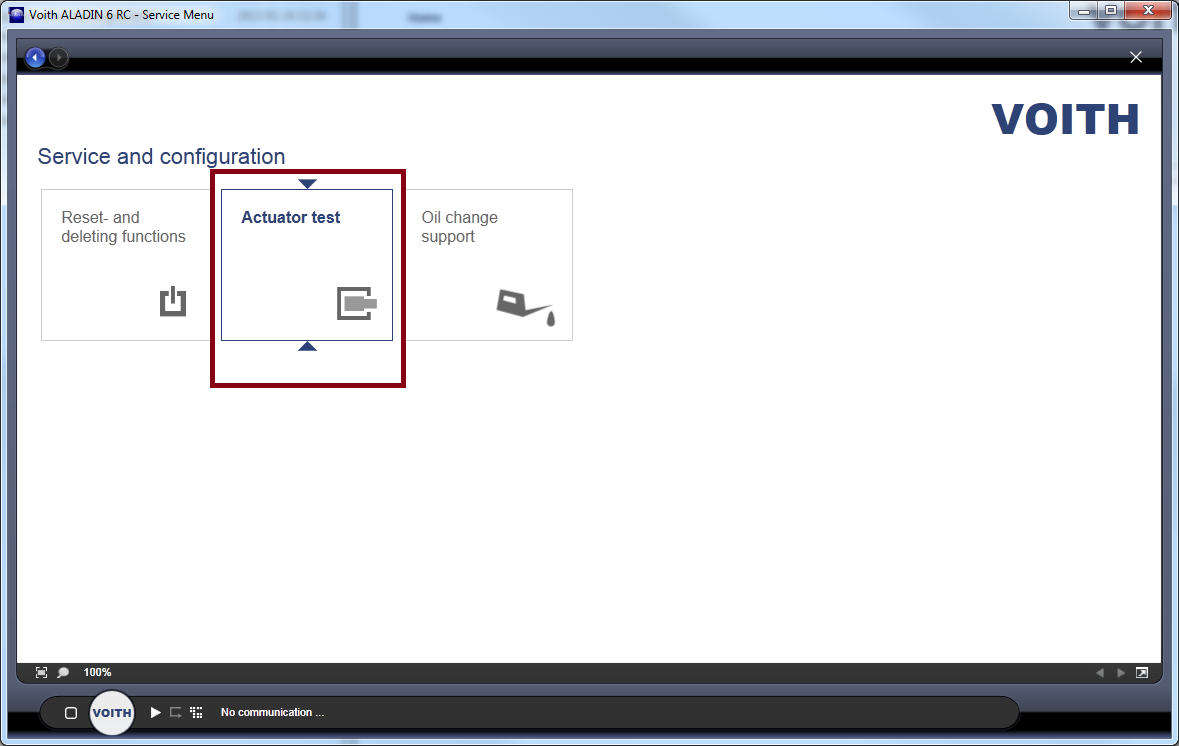
The Actuator test is offered depending on the connected ECU. The Actuator test is not available without communication.
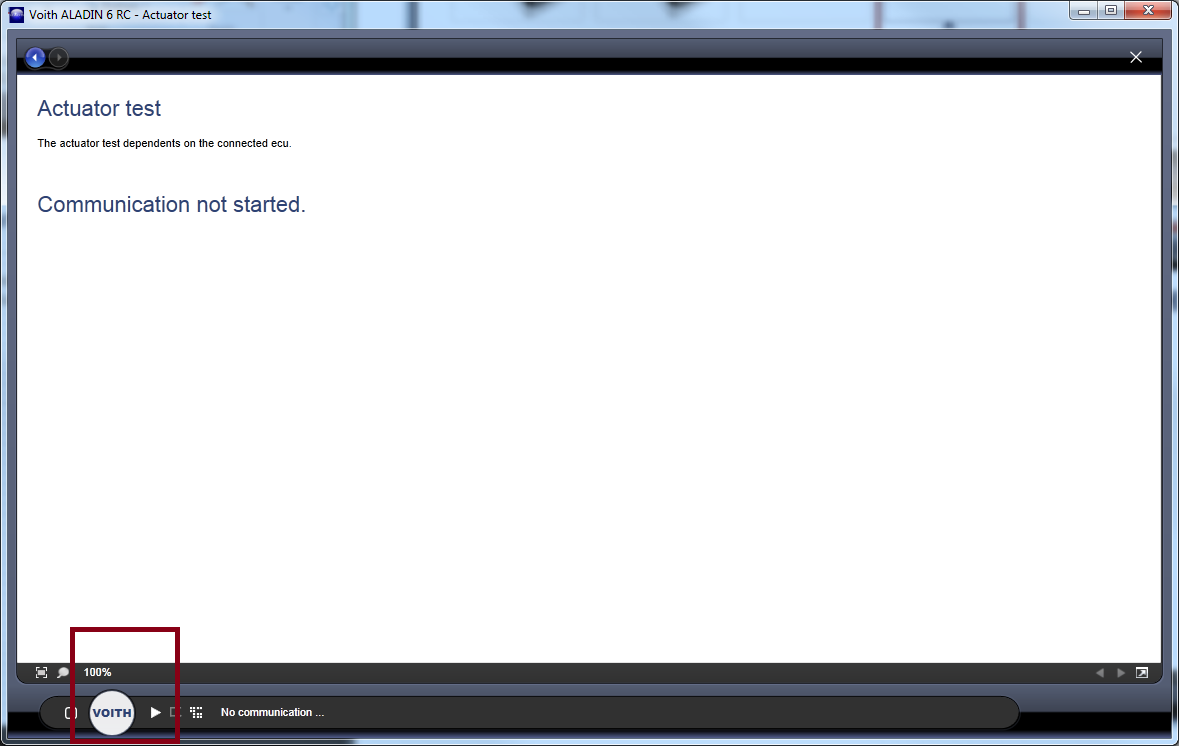
The display changes automatically after you have started the communication.
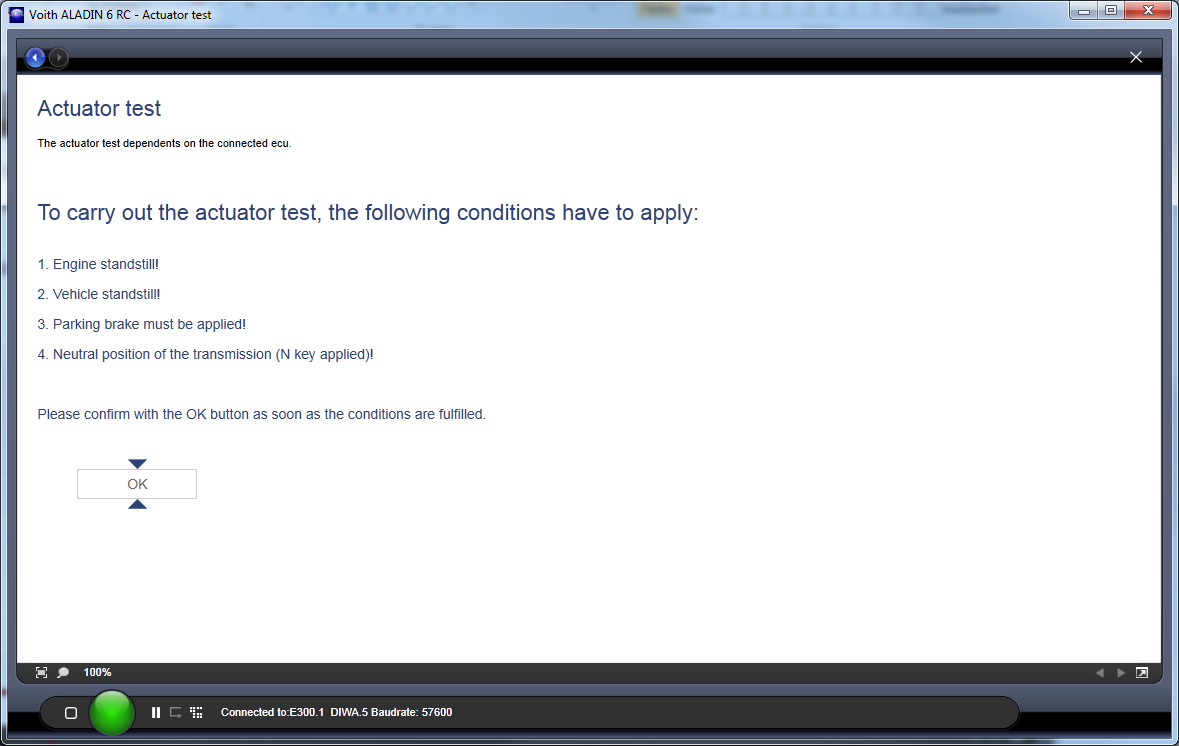
Carrying out an Actuator test
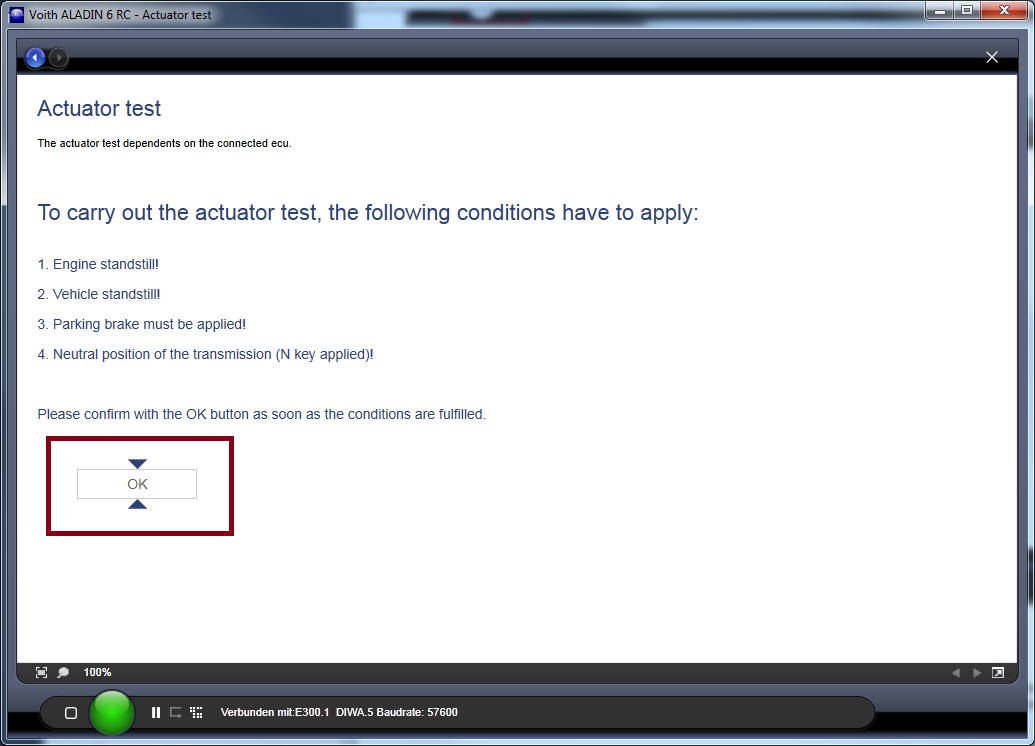
To do this, you must confirm that the engine is off, the vehicle is stopped, the parking brake is activated and the transmission is engaged in N. Then you can either carry out an automatic test of all solenoid valves or an individual test of a solenoid valve.
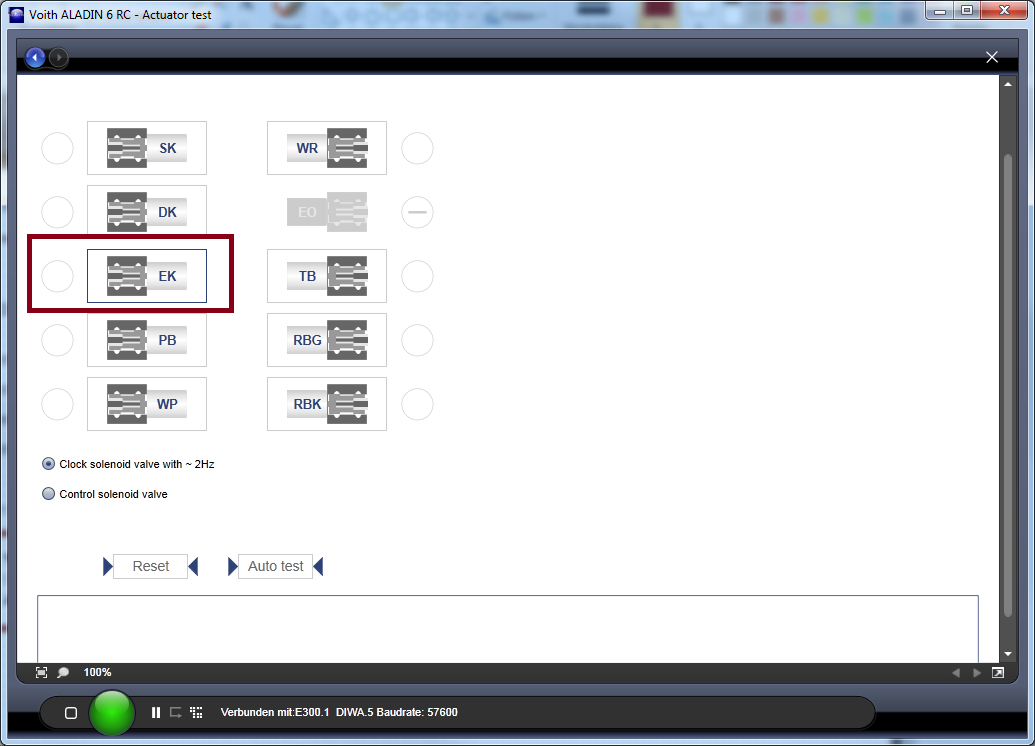
To test an individual test of a solenoid valve, click on the corresponding solenoid valve.
The setting for "Cycle solenoid valves" or "Control solenoid valves" is important here. Cycling switches the solenoid valve at a fixed frequency. This means the movement of the solenoid valve can be tested.
When controlling a solenoid valve, the position of the plunger is read using a measuring coil. The required cycling frequency is continuously readjusted using this measured value so that a defined pressure is generated in the middle.
Use this setting in order to test the measuring coil.
To carry out a complete test of all solenoid valves, press the "Auto-Test" button.
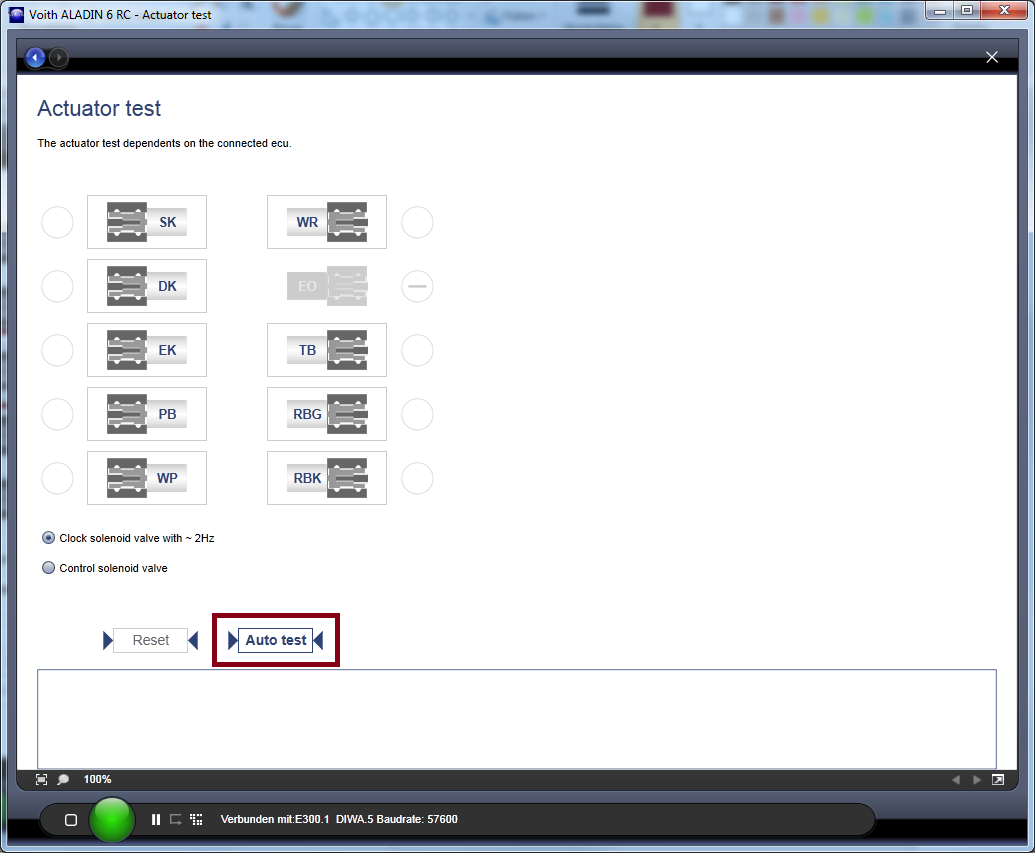
The actuator test can be stopped using the "Reset" button.