
Service - Test box
The Test Box window provides the option of sending diagnostic commands directly to a connected transmission controller. KWP, ISO 9141 and UDS commands are accepted.
Valid platforms:
- DIWA.3 via E200
- DIWA.3 via E310
- DIWA.5
- DIWA.6 via KWP
- DIWA.6 via UDS
- VIAB
- DIWAhybrid E300.1
- DIWAhybrid M300
How to open the Test Box
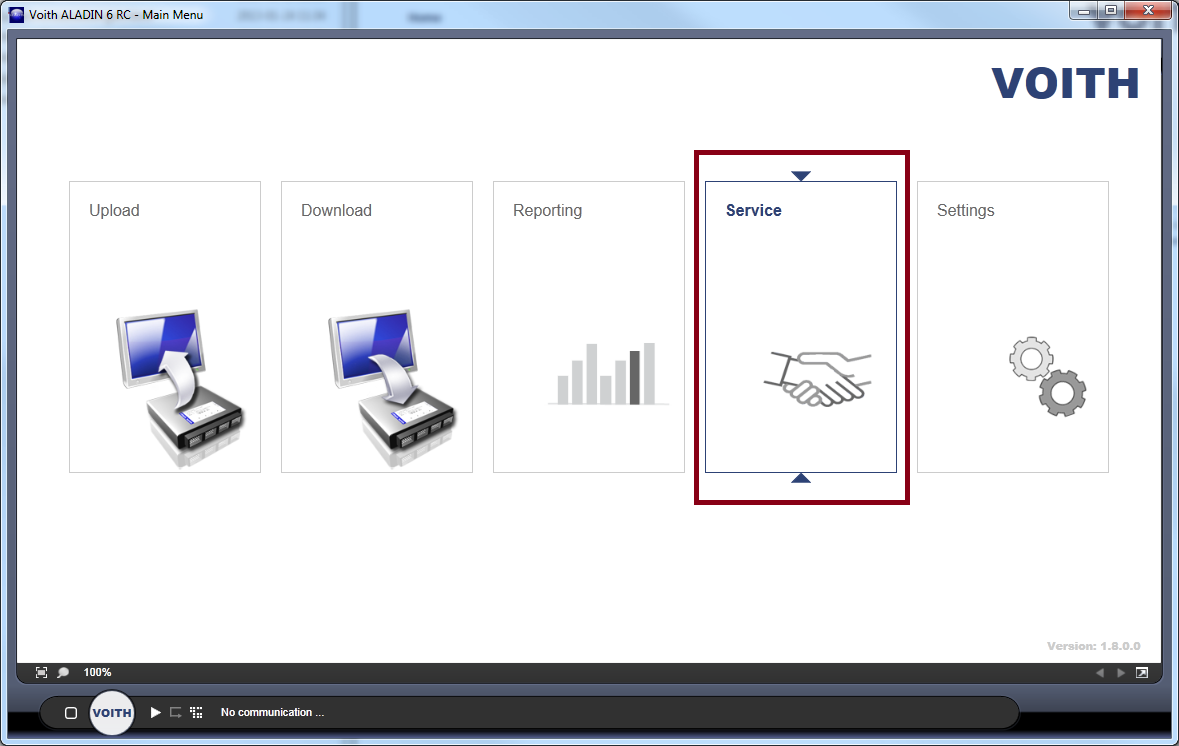
The Test Box is accessed via the Service group in the main window. Then select the "Test Box" button in the help functions category in the Service menu.

The Test Box is also available without a connected ECU. As soon as you want to send a command to a controller, ALADIN attempts to start the communication.
Using the Test box
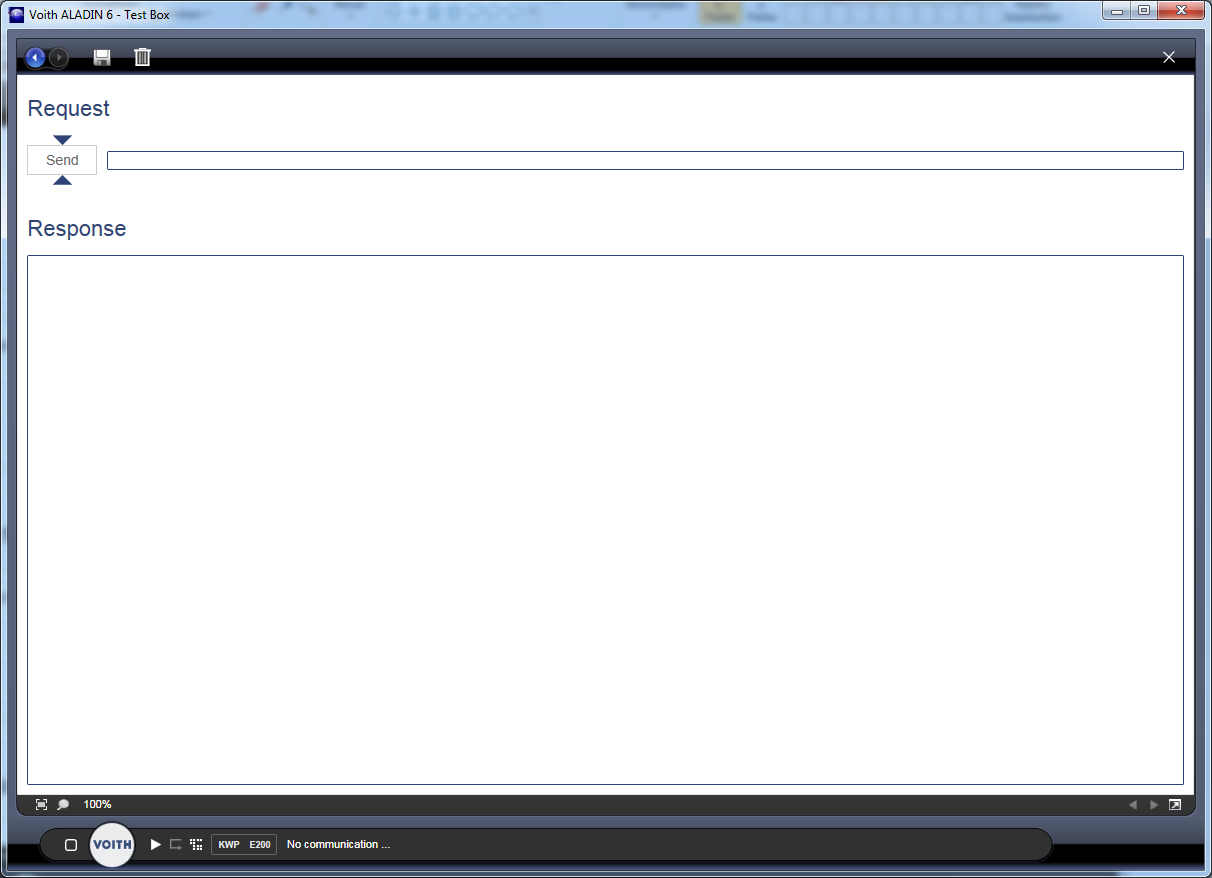
To send a command, simply write it to the Request Box. Once you have confirmed the entry with "Enter" or pressed the "Send" button, the command is sent to the controller.
The request and the response from the controller are displayed in the Response area.

You can use the "Diskette symbol" button to save all the text from the Response area in TXT format. You can use the "Trash can symbol" button to delete the entire content in the Response area.
In the Response area, as in any editor, you can add texts, delete texts or copy and paste using the "CTRL+c" and "CTRL+v" keyboard combinations.