| |||||||||||||||||||||||||||||||||||||||||||||||||
| |||||||||||||||||||||||||||||||||||||||||||||||||
Operator and control elements Functions
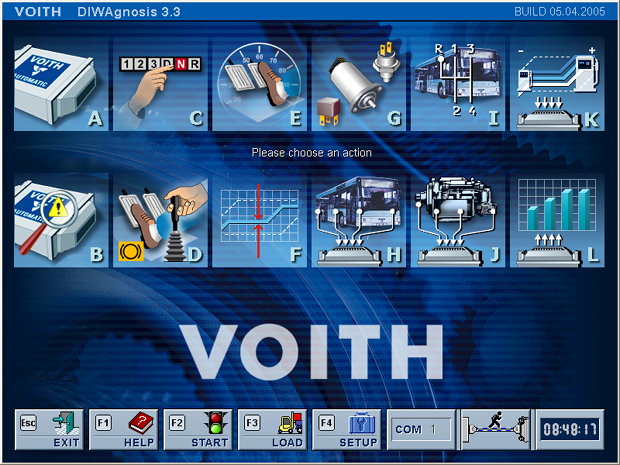
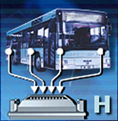
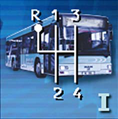
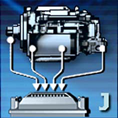
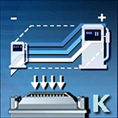
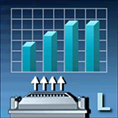
Keyboard The buttons for software configuration can be selected using the keys [ESC] – [F4]. Use the keys [A] – [L] to select the diagnostic functions in the main menu. Mouse Select functions directly by mouse-click. Move the mouse pointer over the buttons of the diagnostic functions to show their function. Control functions
Diagnostic functions
Configuring the program setup Press function key [F4] or click the "SETUP" button. -> The Setup menu opens. Functions Note: You can select the functions using the keys or directly via mouse-click. The functions "EXIT" and "HELP": The functions "EXIT" and "HELP" can be started from any menu.
Please refer to the printed diagnostics manual for a detailed description of how to operate DIWAgnosis. See also:
| |||||||||||||||||||||||||||||||||||||||||||||||||
 © by Voith Turbo GmbH & Co. KG send remarks to markus.zwickel@voith.com (documentation department) | |||||||||||||||||||||||||||||||||||||||||||||||||