
General 
| Loads function software and data record. |
Note The notebook must operate autonomously from the power system, as otherwise transmission faults may occur.
If the loading process is interrupted, the transmission control unit can be damaged. - Therefore, use always a fully charged battery for loading new software and a new data record.
Preparations In order to speed up data transfer, function software and data records are loaded into a control unit not from a floppy disk but from your notebook's hard disk. If the modified function software and data records are not yet saved on the notebook, Voith will provide them in encrypted form via e-mail or on a floppy disk. E-mail - Right-click the attachment "dataset.ex_", select "Save as" from the pulldown menu and save the file to C:\
The file is now saved on the hard disk. - Rename the file to "Dataset.exe".
- Double-click the file "Dataset.exe".
The following message appears: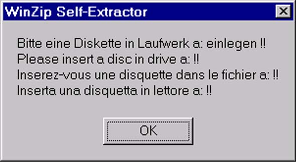
- Insert a formatted floppy disk into drive A:.
- Click OK.
The following message appears: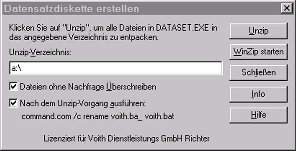
- Click "Unzip"
The files will be unpacked and saved to A: . - Double-click Voith.bat.
All existing files are deleted from the directory C:\VOITH.D2\DATA of your notebook's hard disk and the function software and the data record are copied from the floppy disk to the directory.
Floppy disk - Double-click Voith.bat.
All existing files are deleted from the directory C:\VOITH.D2\DATA of your notebook's hard disk and the function software and the data record are copied from the floppy disk to the directory.
Loading The function software and the data record are loaded into the control unit from the directory C:\VOITH.D2\DATA.
| Opens an input box for loading function software and data record. |
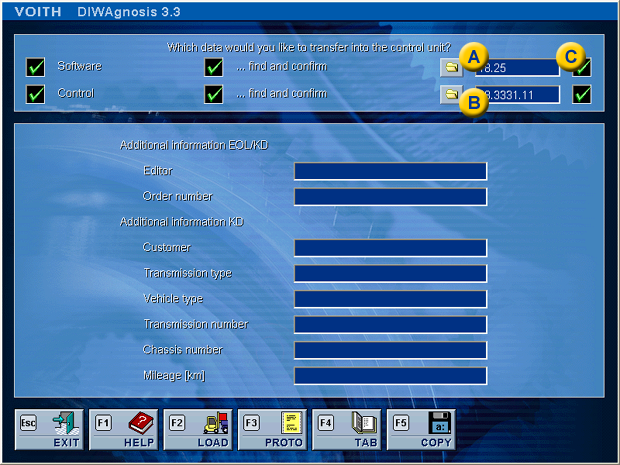
A | Function software | B | ECU item number | C | Result field |
- Click box "Control unit".
- Select control unit number
- Click box "...search and confirm"
The number of the function software appears automatically in the input box.
Incorrect entry If you have selected an incorrect function software or control unit number, a crossed out red circle will appear in the result boxes. 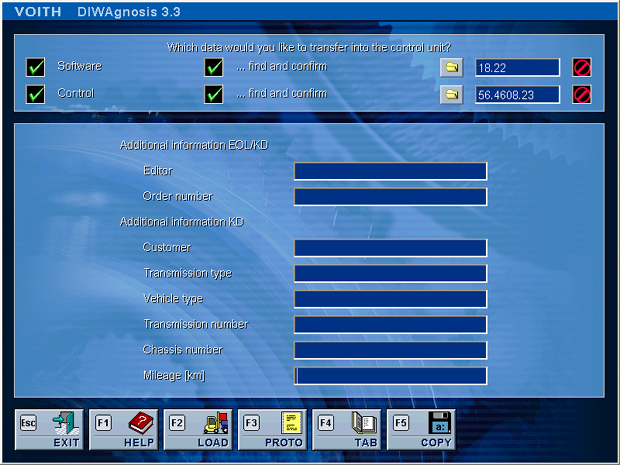
- Re-enter the ECU item number.
If the fault display persists, contact the Voith customer service. Load data record - Click the "LOAD" button or press F2.
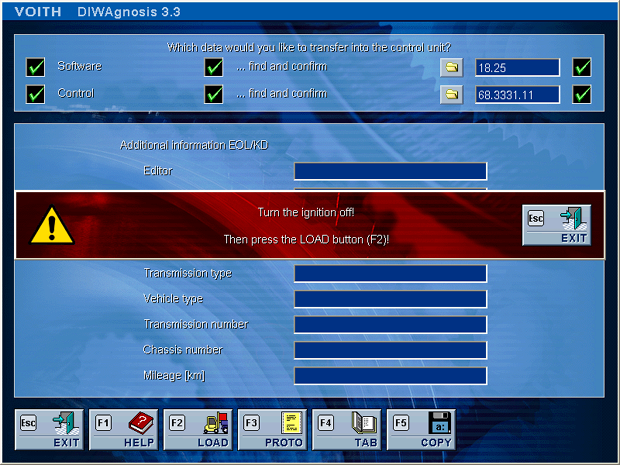
- Turn the ignition off.
- Click the "LOAD" button or press F2.
Note Click the "EXIT" button or Esc to return to the previous display. 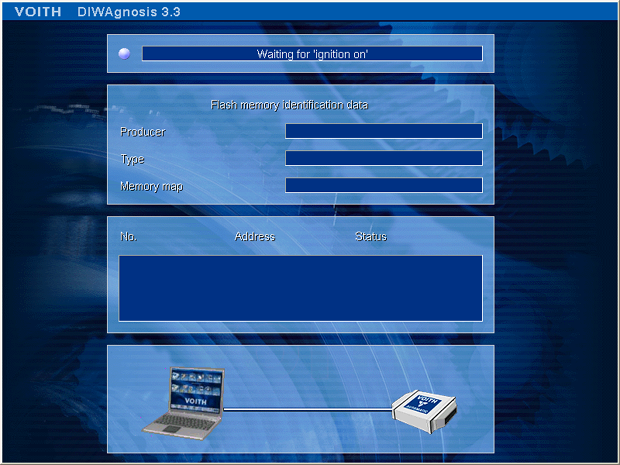
- Turn the ignition on.
Function software and data record are loaded.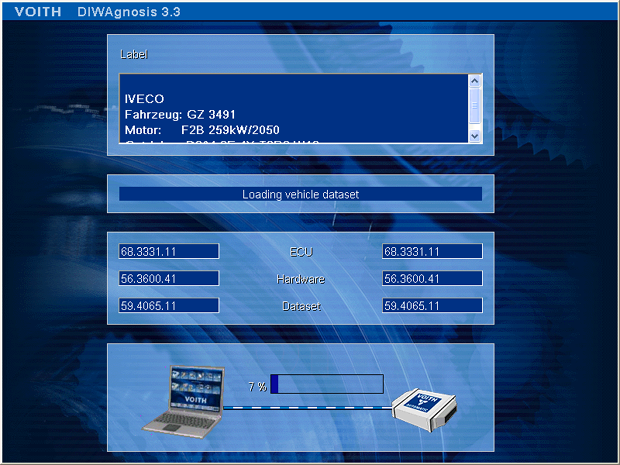
Loading the function software takes approx. 1.5 min, loading the data record approx. 1 min. This depends on the baudrate specified in the Setup. 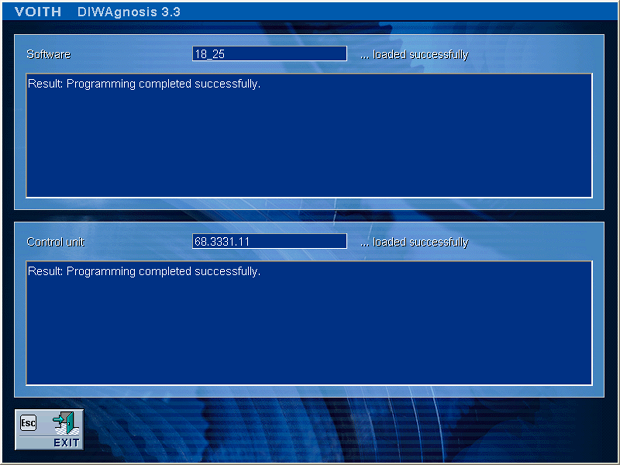
The loading process has been successful. Error while loading If function software and data record were not loaded correctly, DIWAgnosis will display a corresponding message. 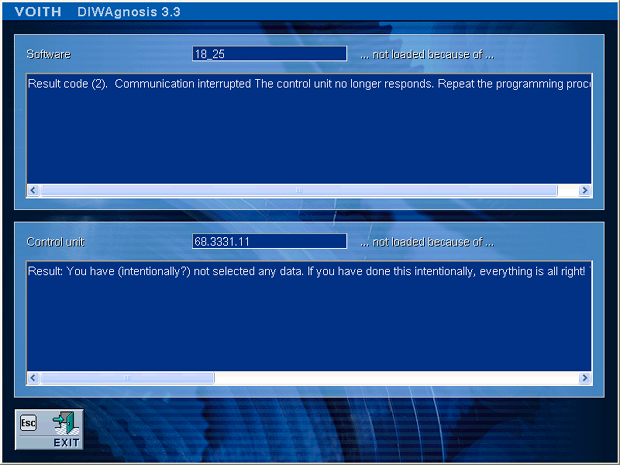
Important: After the loading process has been completed, turn ignition off and on again. Control functions 
| Starts the further program sequence. | 
| Loads the log file of the action "Load function software and data record". | 
| Shows the allocation table. | 
| Copies all log files to a floppy disk. |
| 


