
Service - DIWA computer
The design of a vehicle can be calculated using the DIWA computer. This includes the max. speed, the mileage based on the revolutions on the output shaft and the mounted axle.
How to open the DIWA computer
The DIWA computer is accessed via the Service group in the main window. Then select the "DIWA computer" button in the help functions category in the Service menu.
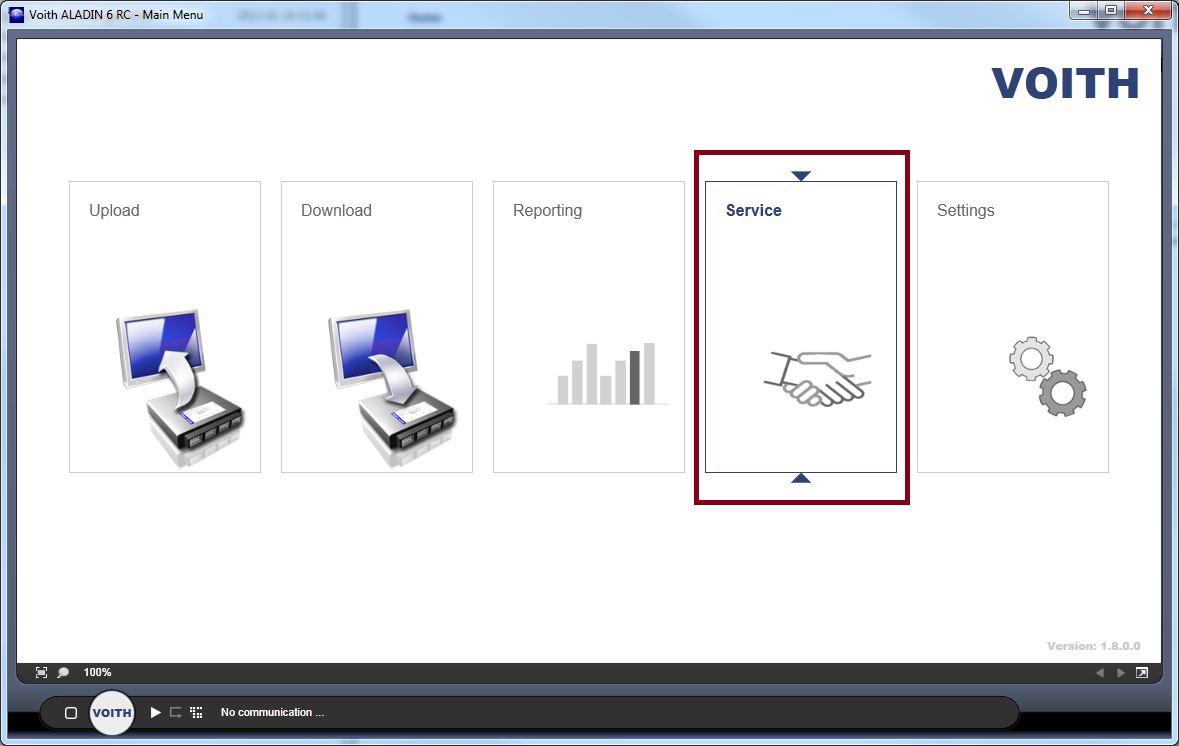

The DIWA computer is also available without a connected ECU.
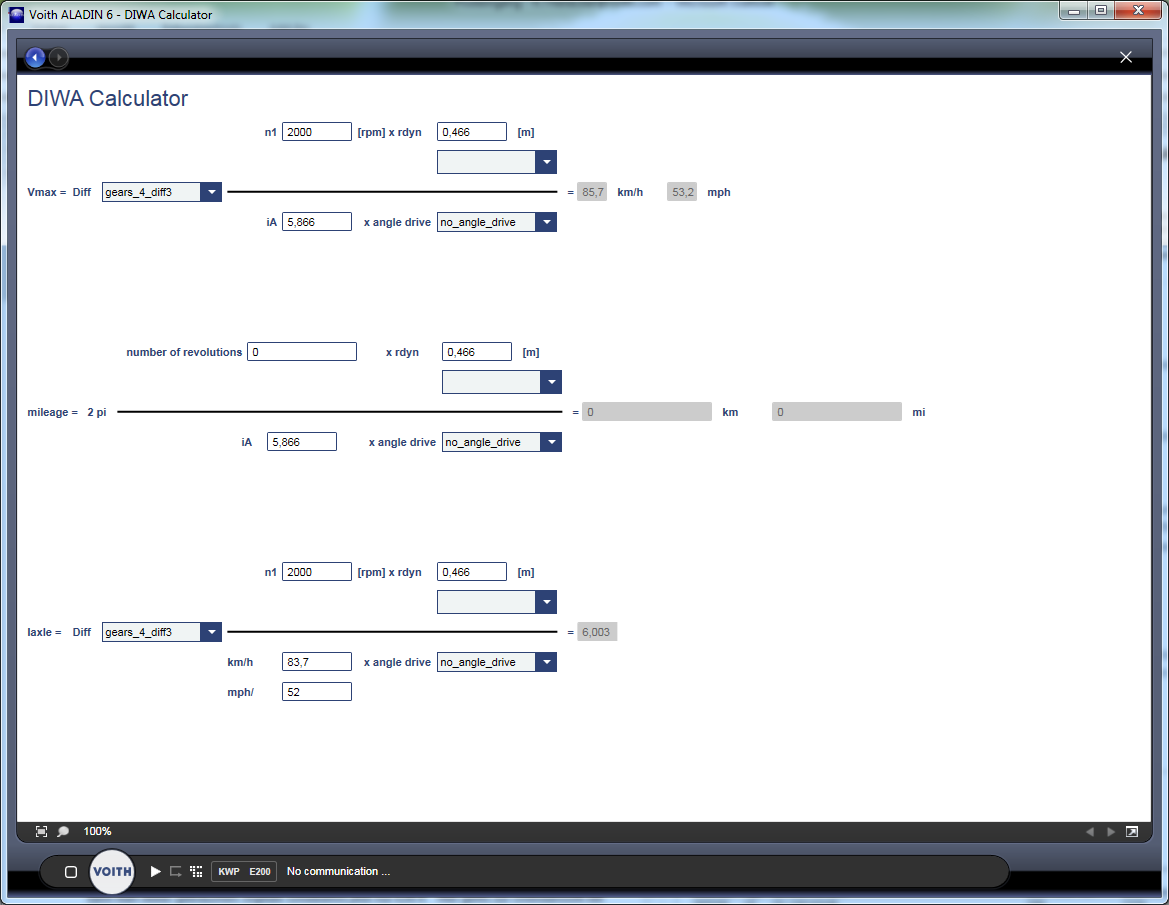
The user interface
The DIWA computer contains three formulas for the max. speed, the mileage and the axle.
For the design speed, you need:
- Rated engine speed
- Tire radius or tire type
- Differential
- Axle ratio
- Optional angle drive
As soon as you change a value, the new result is displayed.
For the mileage, you need:
- Number of revolutions on the output shaft (operating data)
- Tire radius or tire type
- Differential
- Axle ratio
- Optional angle drive
As soon as you change a value, the new result is displayed.
For the axle ratio, you need:
- Rated engine speed
- Tire radius or tire type
- Differential
- Maximum speed
- Optional angle drive
As soon as you change a value, the new result is displayed.