
Service - Event lists export
Every control software version includes a variety of events. The export of event lists allows all events of a specific software version to be recorded and displayed with all attributes in a list.
How to open the export of event lists:
The export of event lists is accessed via the Service group in the main window. Then select the "Export event lists" button in the help functions category in the Service menu.
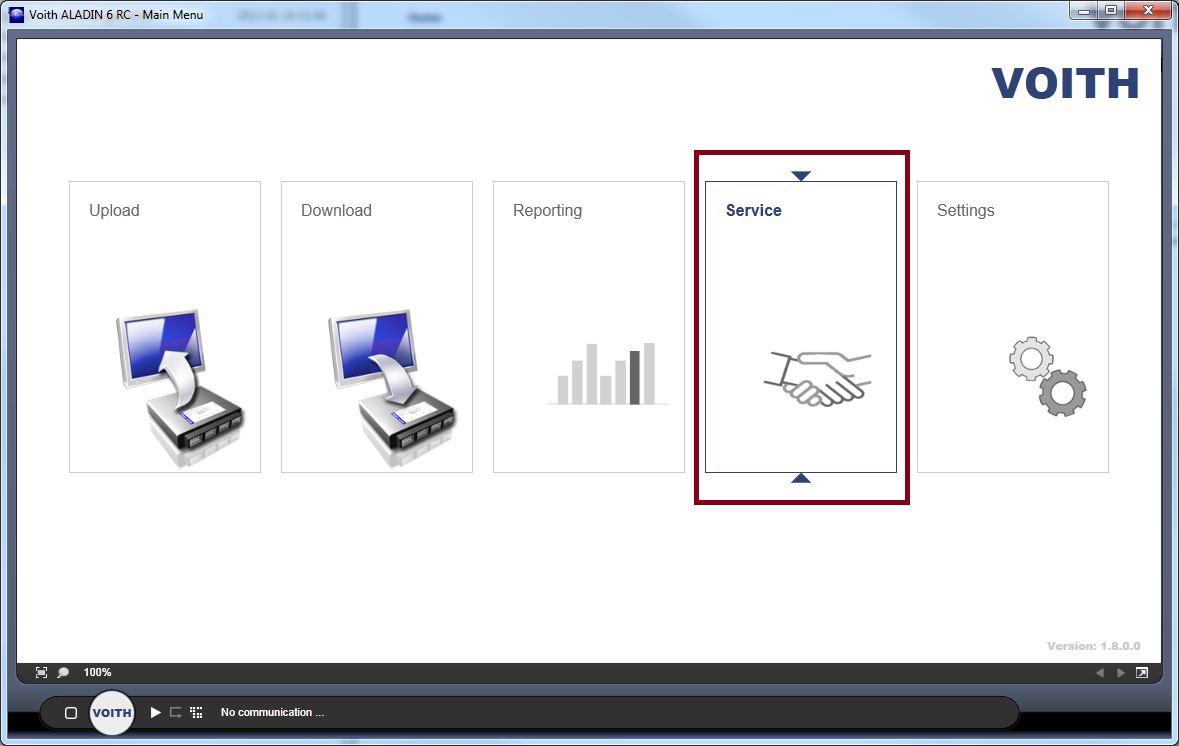
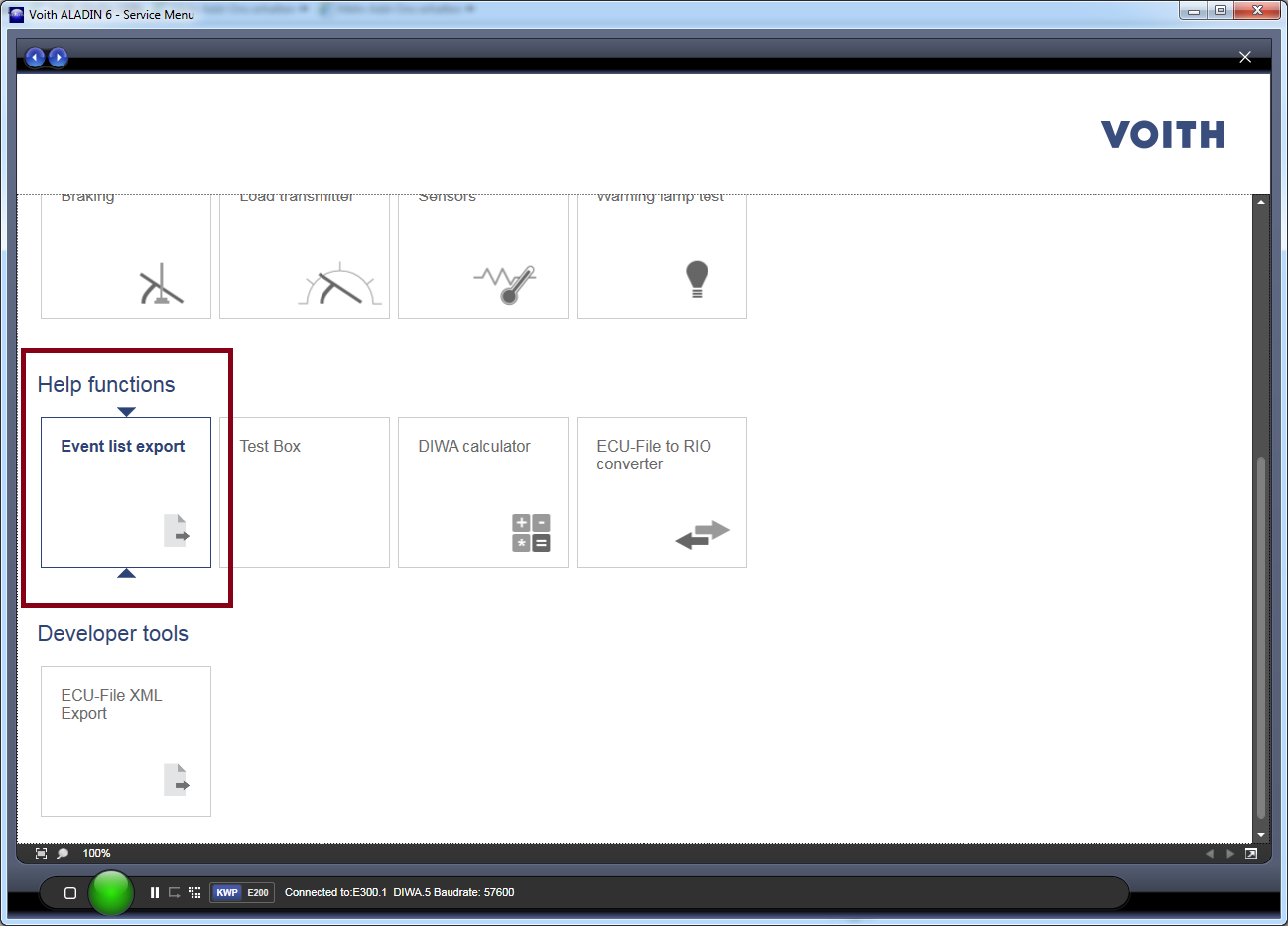

Exporting the event lists
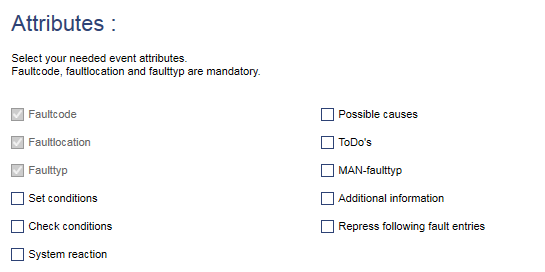
First select the general event attributes that are to be included in the exported list. The following options are available:
- Event setting conditions
- Event test conditions
- System response
- Possible causes
- Action instruction
- System description
- MAN fault type
- Fault type version information
- Suppress subsequent fault messages
Fault type, fault location and fault code are always recorded in the list
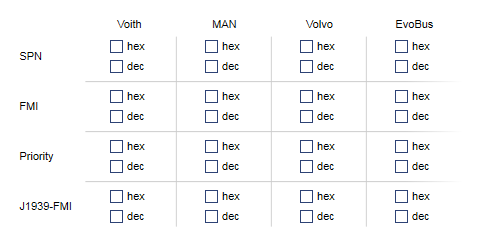
Select the OEM-dependent event attributes. These include SPN, FMI, priority and J1939-FMI. These are required in order to determine the Voith fault codes associated to the OEM fault codes, for example.
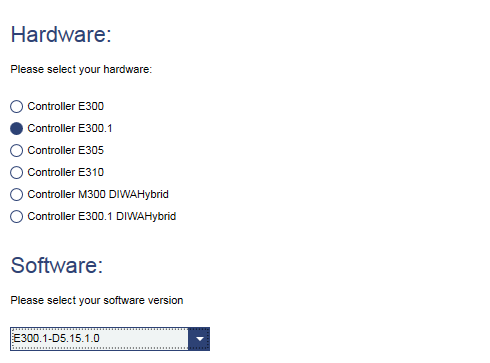
Under the Hardware category, select the Voith controller for which the list is to be generated. Under the Software category, all software versions that are known will be listed for the selected hardware.
To finish, you can either create the list as an Excel file or as an XPS document. Use the corresponding button in the header for this
