
Service - ECU file to RIO converter
With the converter you can convert ALADIN 6 ECU files in Format 3 to the old Format 2 (ALADIN 3). You need this conversion in order to import ECU files in RIO Grande.
Valid platforms:
- DIWA.3 via E200
- DIWA.3 via E310
- DIWA.5
- DIWA.6 via KWP
- DIWA.6 via UDS
- VIAB
- DIWAhybrid E300.1
- DIWAhybrid M300
How to open the ECU file to RIO converter
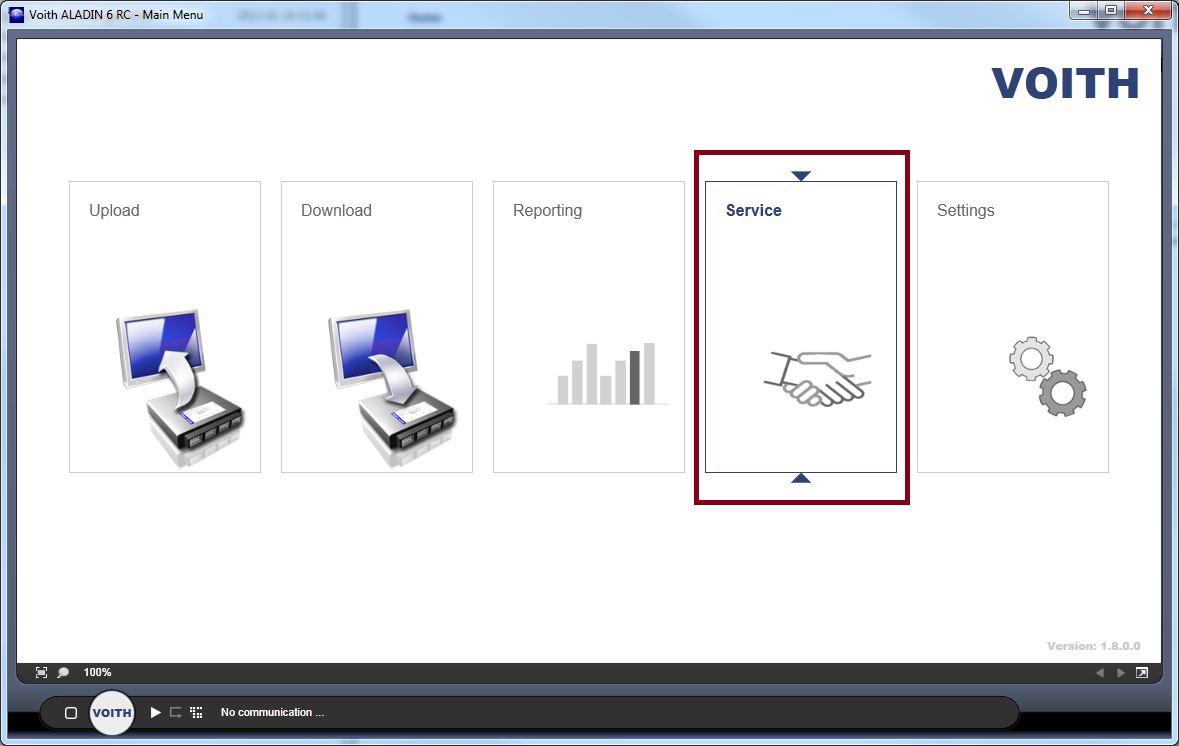
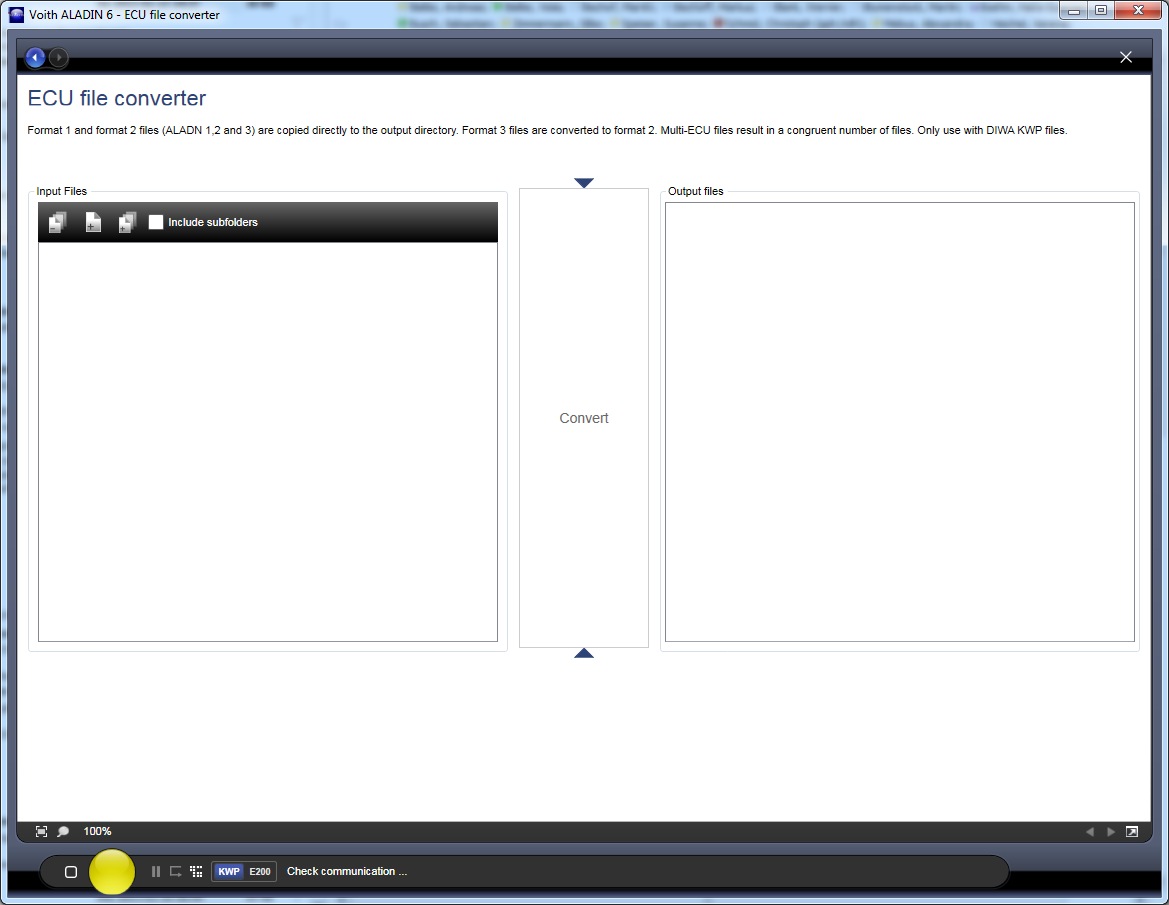
The ECU file to RIO converter is accessed via the Service group in the main window. Then select the "ECU file to RIO converter" button in the help functions category in the Service menu.

Converting ECU files
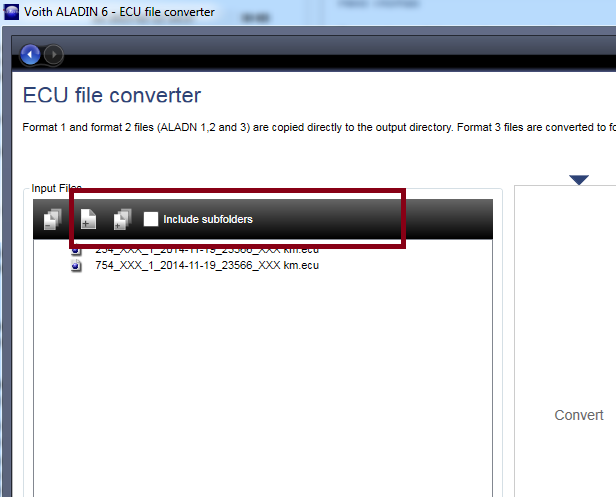
First the ECU files are selected for the conversion. You can select any amount of ECU files for the conversion using the "Single ECU File" or "Entire Folder" buttons.
Use the "Include Subfolders" checkbox in the "Entire Folder" function to also search all subfolders. You must activate/deactivate this checkbox before using the "Entire Folder" button.
Alternatively, you can also move ECU files into the list using Drag and Drop.
In the next step start the conversion using the "Convert" button". A "Search Folder" dialog appears. Here select a folder in which the converted ECU files are created.

All converted ECU files are displayed in the "Output files" area.