
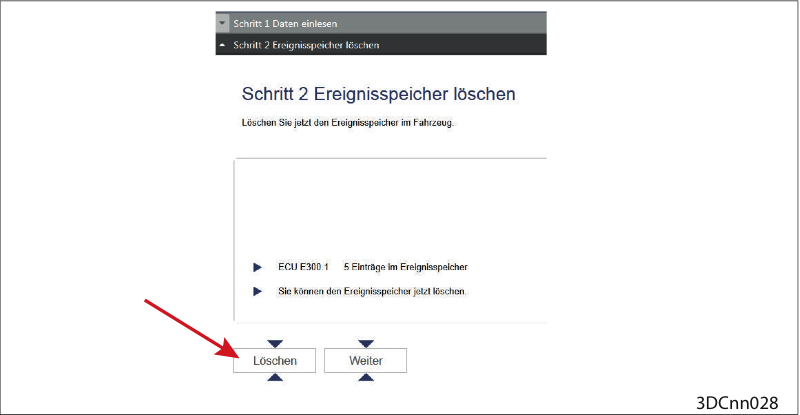
Clear event memory
Clear event memory.
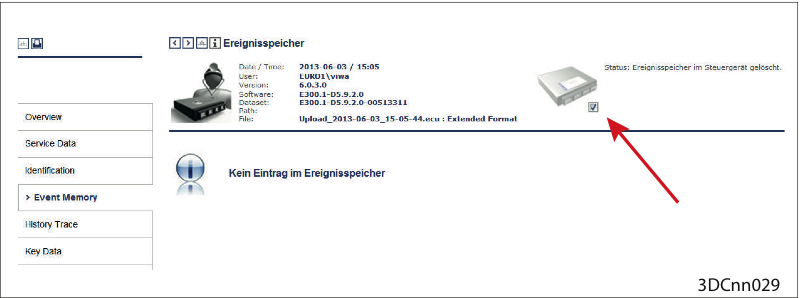
Event memory cleared
Event memory cleared (Check under ("Reporting > Event Memory > Check mark set")
Possibly test drive
Should the fault reoccur:
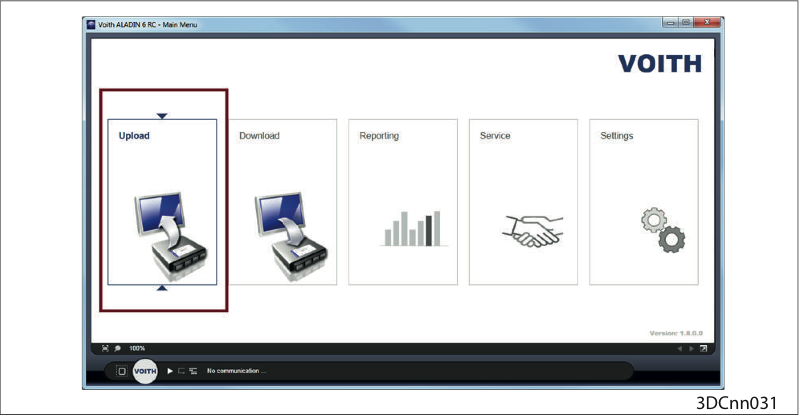
Upload
Perform an upload with the ALADIN diagnosis software.
Then please contact the VOITH customer service.
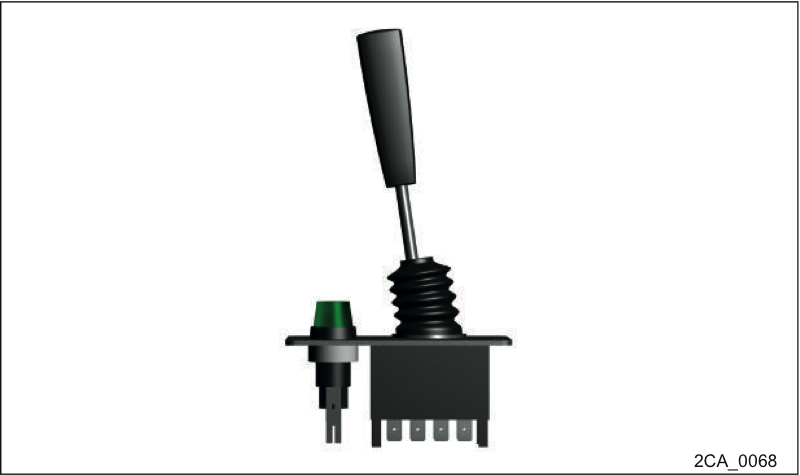
Voith hand brake lever
The installation of the Voith hand brake lever depends on the respective OEM.
The OEM Service must be contacted for all other variants.
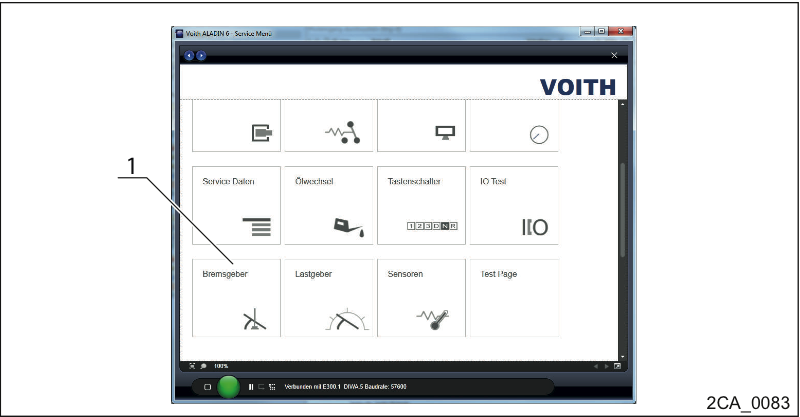
Check the hand or foot brake lever using ALADIN
Call the ALADIN monitor to check the incoming signals from the hand brake lever (HB 1, 2, 3) or the foot brake lever (FB 1,2,3) (1).
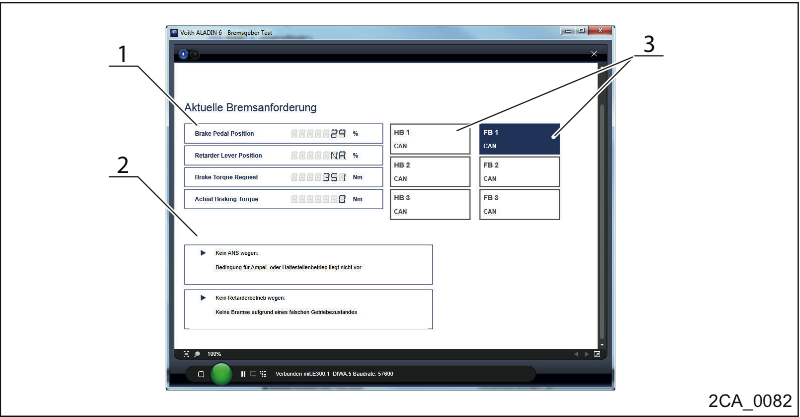
Check the hand or foot brake lever using ALADIN
Bring the hand or foot brake lever to position 1, 2 or 3 (1).
Select the signal interface analog or CAN for the respective position (3).
Observe the message in ALADIN (2).