| ||||||||||||||||||||||||||||||||||||||||||||||||
| ||||||||||||||||||||||||||||||||||||||||||||||||
Introduction
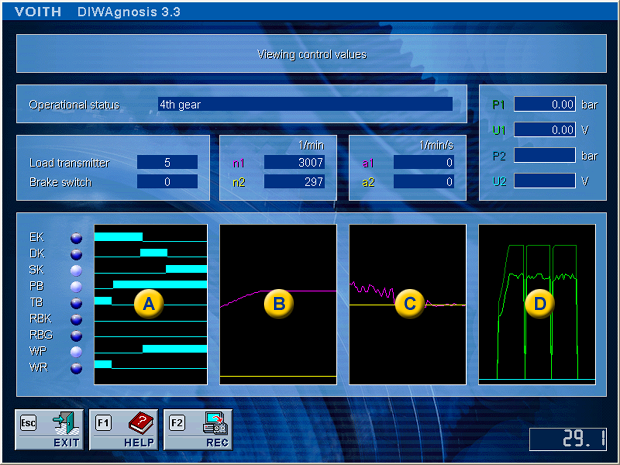
The program DIANA 5 ( DIagnosis and ANAlysis system ) is integrated in DIWAgnosis for recording the measuring files.
Recording
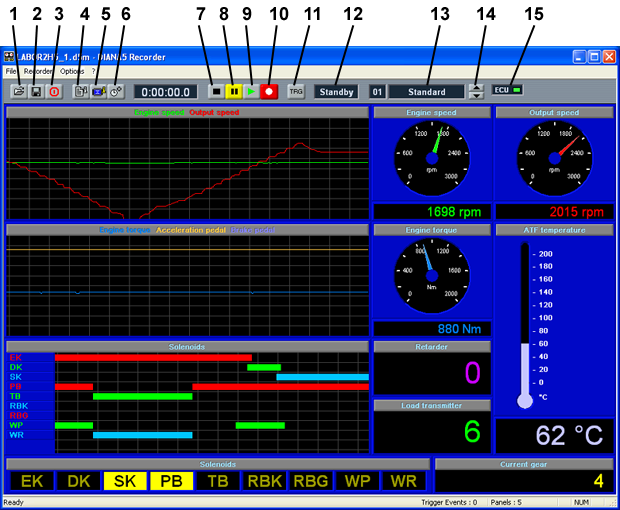
Depending on the measuring template, the displays may be distributed on several pages, the so-called front panels (13).
You can pause and continue recording at any time.
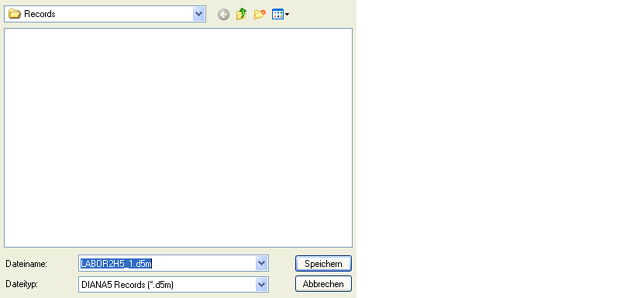
Save
Trigger display If the trigger display is active, the display may show "No Trg" in the recording status instead of "record". In this case, the recorder will only record if the measuring data meet the predefined trigger conditions. You can deactivate the Trg function at any time by clicking the button "Activate/deactivate trigger function" (11); all signals will then be recorded.
You can change the trigger criteria via the menu "Recorder", menu item "Trigger settings...".
Open measuring file You can open a stored measuring file via menu "File", menu item "Open". You can continue the measurement or play the file back.
Select event You can select a time event by clicking the button "Select event" or pressing the space bar. A window opens where you can name the event.
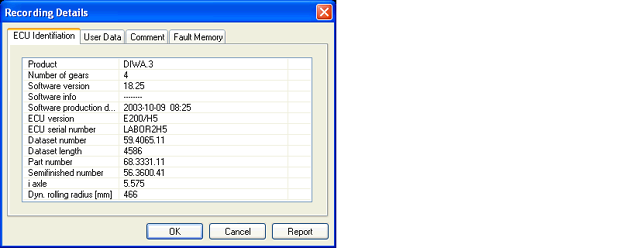
Information You can view information about the transmission by clicking the button "Show information" or in the menu "Options", open the submenu "dataseting details...".
Please refer to the online help to get further information. | ||||||||||||||||||||||||||||||||||||||||||||||||
 © by Voith Turbo GmbH & Co. KG send remarks to markus.zwickel@voith.com (documentation department) | ||||||||||||||||||||||||||||||||||||||||||||||||